Launching a website is an important step for any business. It gives potential customers a place to learn about your services, explore your products and contact your team. However, having a website ready visually does not always mean it is ready for visitors.
Small issues such as broken links, missing contact details, slow-loading pages or unfinished forms can affect the experience people have when they visit your website. These problems may also make it harder for search engines to understand and discover your pages.
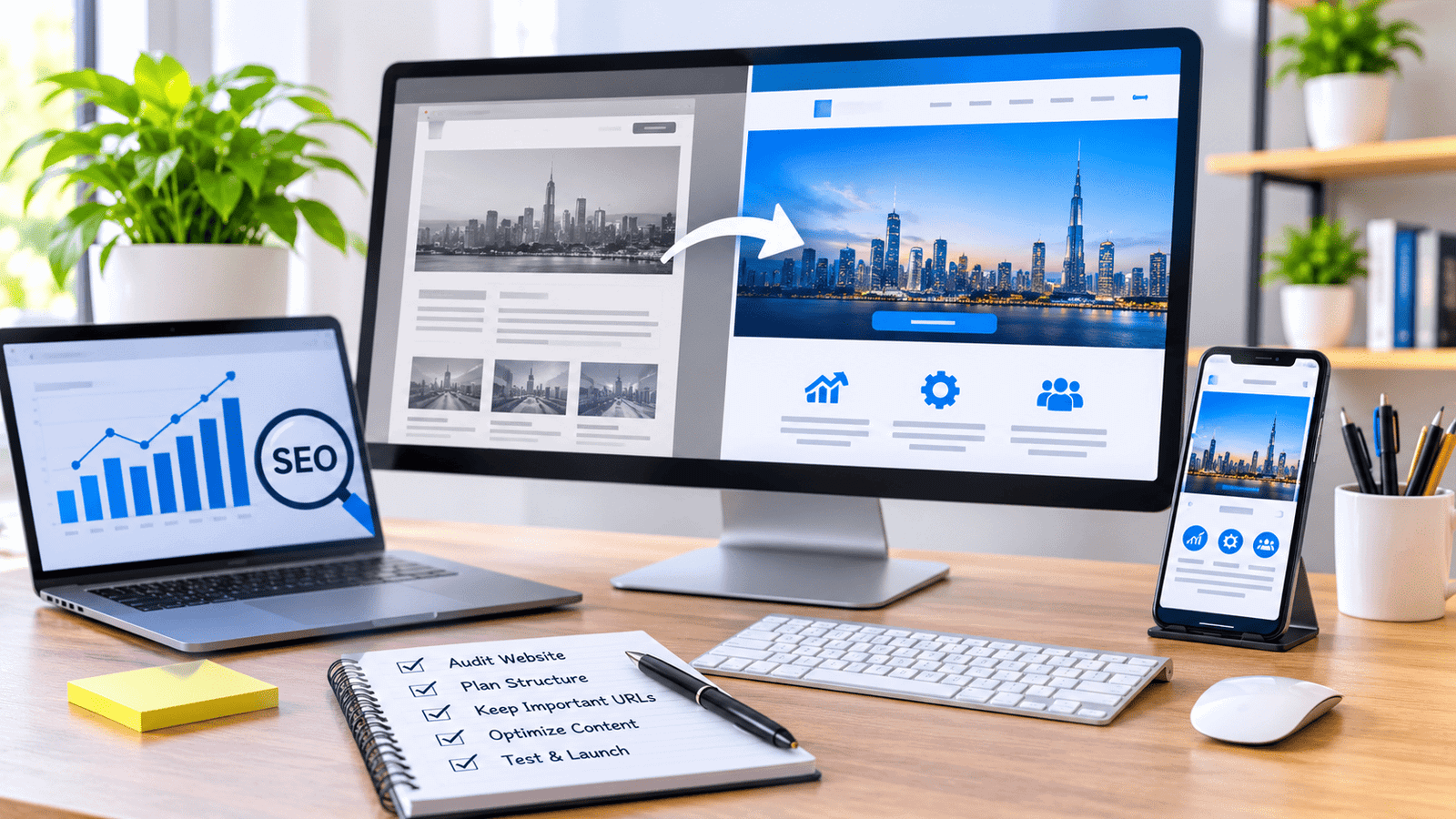
Before making your website public, take time to review its design, content, functionality and technical setup. A proper website launch checklist can help you identify problems early and avoid unnecessary fixes after launch.
This guide covers 12 important things to check before publishing your business website.
1. Check Every Important Website Page
Start by reviewing the main pages of your website. Each page should have a clear purpose and provide the information visitors expect to find.
For a typical business website, check the following pages:
- Homepage
- About Us
- Services
- Individual service pages
- Contact Us
- Privacy Policy
- Terms and Conditions, where applicable
Make sure there are no unfinished sections, placeholder text or empty pages. Check that your business name, contact details and service descriptions are accurate.
Your homepage should explain what your business does without making visitors search through several sections. Important information should be easy to find.
If you are planning a new website, professional website development can help establish a clear structure that supports your business goals and makes navigation easier.
2. Test Your Website on Mobile Devices
Many people browse websites using smartphones rather than desktop computers. If your website is difficult to use on a smaller screen, visitors may leave before finding the information they need.
Open your website on different mobile devices and check:
- Whether text is readable without zooming
- Whether images fit the screen properly
- Whether menus open and close correctly
- Whether buttons are easy to tap
- Whether forms are simple to complete
- Whether content stays within the screen width
Pay particular attention to navigation and contact buttons. A button that works perfectly on a computer may be difficult to use on a smartphone.
You should also check tablet layouts because screen sizes can affect how menus, images and content sections appear.
A mobile-friendly design should make the same information accessible across different devices without creating unnecessary scrolling or navigation problems.
3. Test Website Speed and Performance
Website speed affects how quickly visitors can access your content. A page that takes too long to load can create frustration, particularly for people using slower mobile connections.
Before launching, test important pages rather than checking only the homepage.
Pay attention to:
- Large image files
- Unnecessary plugins or scripts
- Excessive animations
- Poorly configured caching
- Slow server responses
- Unused website resources
Tools such as Google PageSpeed Insights can help identify performance issues and suggest improvements.
Do not focus only on achieving a perfect score. Look at the actual problems affecting loading speed and user experience. Fixing oversized images or unnecessary scripts may make a noticeable difference.
Also, check whether pages remain responsive while loading. Visitors should be able to understand the page structure and interact with important elements without unnecessary delays.
4. Review Website Navigation and Internal Links
Visitors should be able to move around your website without confusion. A clear navigation menu helps people find information and understand what your business offers.
Check every menu item and internal link before launch.
Make sure:
- Menu items open the correct pages.
- The logo takes visitors to the homepage.
- Service links lead to relevant service pages.
- Buttons direct visitors to the correct destination.
- Footer links work properly.
- There are no unnecessary or broken links.
Internal links also help connect related pages. For example, a service page can link to a relevant blog article that explains a particular topic in more detail.
Avoid adding links simply to fill space. Every link should help visitors find useful information or complete an action.
5. Check Contact Forms and Business Information
A website should make it easy for potential customers to contact your business. If your enquiry form does not work, you could miss genuine business opportunities.
Test each contact form by submitting a test enquiry. Check whether the submission reaches the correct email address and whether visitors receive an appropriate confirmation message.
Review the following details:
- Business email address
- Phone number
- WhatsApp link, if available
- Contact form fields
- Form submission messages
- Business address, if displayed
- Social media profile links
Check that phone numbers are clickable on mobile devices and that email links open the visitor’s preferred email application.
If your business uses a contact form with several required fields, make sure the form does not ask for unnecessary information.
The aim is to make contacting your business straightforward.
6. Check Basic SEO Settings Before Launch
A website can look professional and still have problems that affect its visibility in search engines.
Review the basic SEO elements before publishing.
Page titles: Every important page should have a relevant and descriptive SEO title.
Meta descriptions: Write useful descriptions that explain what visitors can expect from each page.
Heading structure: Use one clear main heading and organise supporting information with relevant subheadings.
URL structure: Keep page URLs short, readable and related to their content.
Image alt text: Describe meaningful images clearly so their content can be understood by users who rely on assistive technology.
Internal linking: Connect related pages using natural and descriptive anchor text.
Avoid using the same title and description across every page. Each page should communicate its own purpose.
You should also review your website’s technical SEO setup, including indexing settings and canonical URLs where relevant. A page that is accidentally marked as noindex may not appear in search results.
For businesses that want to improve their search visibility after launch, professional SEO services can help identify technical and content-related opportunities.
7. Install an SSL Certificate and Check Website Security
Website security should be considered before your website goes live.
An SSL certificate enables an HTTPS connection between the website and visitors’ browsers. Check that your website loads correctly using HTTPS and that visitors are not shown browser security warnings.
Other useful security checks include:
- Use strong administrator passwords.
- Remove unnecessary user accounts.
- Keep your CMS and plugins updated.
- Install trusted plugins and themes.
- Use appropriate security protection.
- Limit administrator access to authorised users.
- Keep regular backups.
If you are using WordPress, avoid installing plugins from unknown sources. Untrusted software can introduce security and compatibility problems.
Security is not a one-time task. Your website needs regular monitoring and maintenance after launch as well.
8. Optimise Images and Other Media
Images help explain products, services and ideas, but poorly prepared media can affect website performance.
Before launch, review all images used across the website.
Check that:
- Images are relevant to the page.
- Files are not unnecessarily large.
- Images display correctly on mobile devices.
- Important images have descriptive alt text.
- There are no missing image files.
- Videos and other media load properly.
Use suitable image formats and dimensions rather than uploading unnecessarily large files.
If your website includes product photography, make sure images are clear and show the product accurately. For service websites, use relevant visuals that support the information on the page.
Avoid using low-quality or unrelated stock images simply to make pages look full.
9. Test All Website Features
A website may contain several interactive elements that need to be tested before launch.
Depending on your website, these may include:
- Contact forms
- Search functionality
- Navigation menus
- Login and registration
- Booking systems
- Shopping carts
- Payment methods
- Newsletter subscriptions
- Download buttons
If you are launching an online store, complete a test purchase using the available testing options. Check the cart, checkout process, payment flow and order confirmation.
For a business website, test every button that encourages visitors to call, request a quote or submit an enquiry.
Do not assume that a feature works just because it appears correctly on the screen. Test the complete process from the visitor’s perspective.
10. Check Website Content for Errors
Content plays an important role in how people understand and trust your business.
Read every important page before launch. Look for spelling mistakes, incorrect information, repeated paragraphs and unclear sentences.
Check that:
- Service descriptions are accurate.
- Product information is complete.
- Contact details are correct.
- Headings match the content below them.
- Prices and offers are up to date, where applicable.
- There are no placeholder images or text.
- Calls to action are clear.
Avoid making claims that your business cannot support. Clear and accurate information helps visitors make informed decisions.
It is also useful to ask someone who has not worked on the website to review it. They may notice confusing sections or missing information that the development team has overlooked.
11. Set Up Website Backups and Analytics
Before publishing your website, make sure you have a backup and a way to monitor its performance.
A backup provides a recovery point if an update, technical issue or unexpected change affects your website.
Your backup plan should consider:
- Website files
- Database
- Important media uploads
- Backup storage location
- Backup frequency
- Restoration process
Do not rely on backups alone. Check occasionally that backup files are available and that your restoration process works.
You should also consider setting up Google Analytics 4 and Google Search Console where appropriate.
Analytics can help you understand how visitors use your website, while Search Console provides information about search visibility, indexing and technical issues.
Make sure tracking is configured correctly and that your website follows applicable privacy and consent requirements.
12. Create a Plan for After Launch
Publishing your website is not the end of the project. Once visitors start using it, you need to monitor its performance and make improvements when necessary.
During the first few weeks, review:
- Website loading speed
- Contact form submissions
- Broken links
- Mobile usability
- Search indexing
- Website errors
- Visitor behaviour
- Customer feedback
Pay attention to how people interact with your pages. If visitors frequently leave a particular page without taking action, review its content, layout and navigation.
You should also schedule regular updates for your CMS, themes and plugins.
For WordPress websites, ongoing WordPress maintenance helps keep software updated, backups organised, security checks in place and common technical issues under control.
A simple maintenance schedule can prevent small problems from becoming more difficult to manage.
Website Launch Checklist: Quick Summary
Before making your website public, use this quick checklist to review the essentials.
- All important pages are complete.
- Website works on mobile devices.
- Important pages load properly.
- Navigation and internal links work.
- Contact forms have been tested.
- SEO titles and meta descriptions are added.
- HTTPS and basic security are configured.
- Images are optimised.
- Interactive features work correctly.
- Website content has been proofread.
- Backups and analytics are configured.
- A post-launch maintenance plan is ready.
You do not need to complete every advanced improvement before publishing, but the essential checks should be done first.
Frequently Asked Questions
What should I check before launching a website?
Check your website pages, mobile layout, loading speed, navigation, contact forms, SEO settings, security, images and important features. Also, create a backup before making the website public.
How long does it take to prepare a website for launch?
The time depends on the size and complexity of the website. A small business website may need only a short testing period, while an e-commerce website with products, payment methods and customer accounts may require more extensive checks.
Is SEO necessary before launching a website?
Basic SEO should be considered before launch. Page titles, meta descriptions, heading structure, internal links, mobile usability and technical settings help establish a better foundation for search visibility.
Should I back up my website before launch?
Yes. Keeping a backup before launch gives you a recovery point if something goes wrong during final changes or deployment. You should also maintain regular backups afterwards.
What should I do after my website goes live?
Test the live website, check important forms and links, monitor performance, review indexing and keep software updated. Continue improving the website based on user feedback and performance data.
Can I launch a website without professional help?
Yes, some people can build and launch simple websites using website builders or content management systems. However, more complex websites may require technical knowledge to handle security, performance, integrations and troubleshooting.
Final Thoughts
A successful website launch involves more than choosing a design and publishing a few pages. Your website should work properly, provide useful information and make it easy for visitors to contact your business or complete their intended actions. Taking time to test the important details can help you avoid common problems and create a better experience from the beginning. Use this website launch checklist as a starting point, then continue reviewing your website as your business grows. Regular updates, security checks and performance improvements will help keep your online presence useful over time.