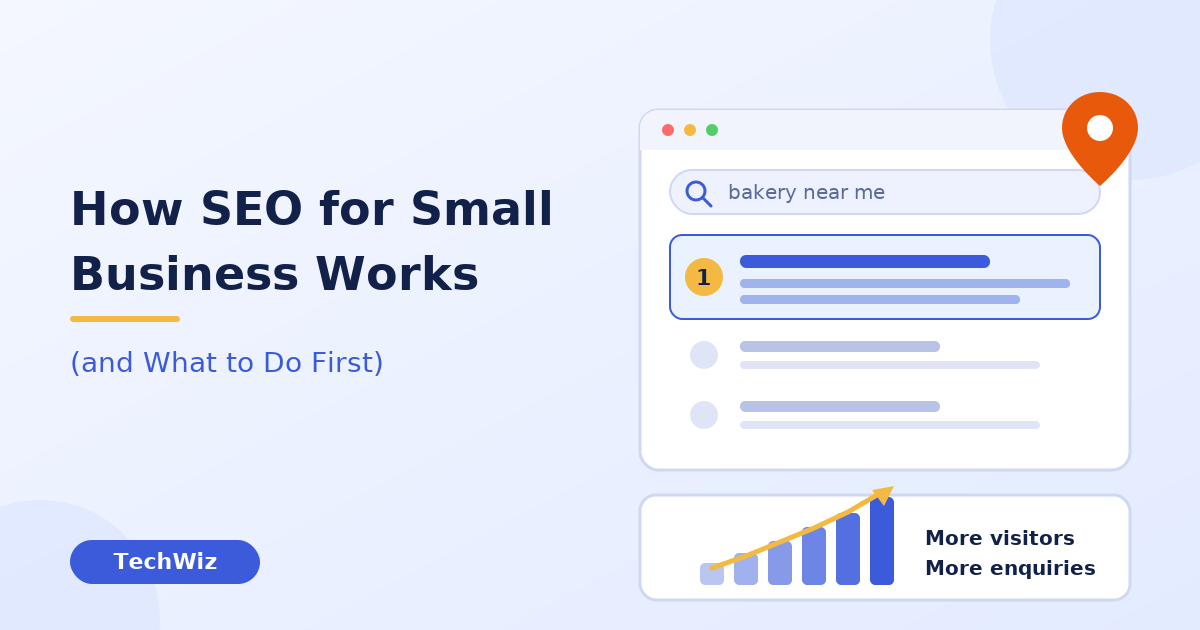
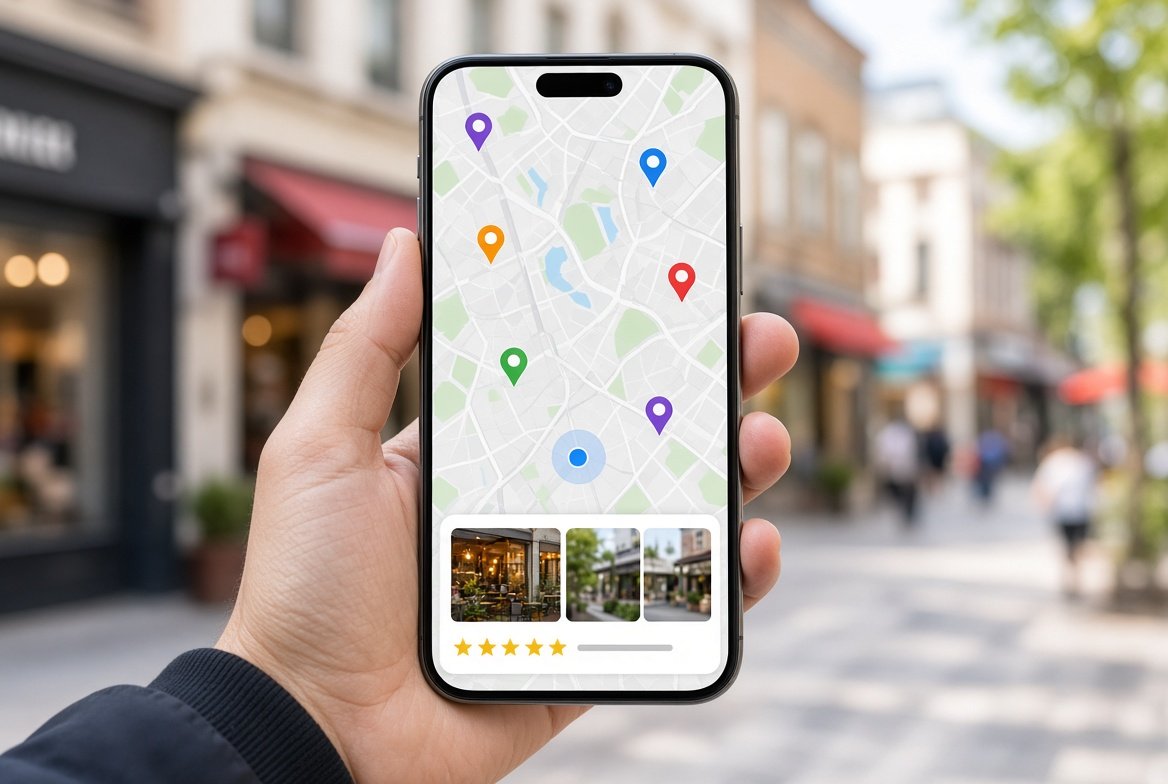
Think about the last time you needed a plumber, a dentist or a decent place for lunch. You probably didn’t scroll through ten pages of results. You typed what you needed, glanced at the map and the first few listings, and picked one. That quick decision is what local SEO is built around.
For a local business, that moment decides a lot. If your business appears in that small box with a clear address, good photos and honest reviews, you get the call. If it doesn’t, the customer goes to someone else, often without ever knowing you existed.
That is what a Google Business Profile does for you, and it is one of the simplest ways to get seen locally.
What is a Google Business Profile?
It is the free listing that appears when people search for your business, or for a service near them, on Google Search and Google Maps. It shows your name, address, phone number, opening hours, photos, reviews and a link to your website.
You may still hear it called Google My Business, which was its old name. Many people still search for it that way, so you will see both terms used. They mean the same thing.
Why it matters more than most people expect
A website takes time to build authority in search. A well-kept profile can start working much sooner, because Google already uses it to answer “near me” searches.
It also does something your website can’t do on its own. It lets customers act without leaving the page. They can call you, get directions or read what other customers say, all in a few seconds. For businesses such as clinics, restaurants, home services and local shops, that is often the first contact a customer has with you.
Start with the basics
Most profiles that struggle have one thing in common: they were set up quickly and never finished. Check these first.
- Your name, address and phone number must be correct. Use the same details everywhere online, including your website and social pages. Mismatches confuse both customers and Google.
- Choose the right main category. This is one of the strongest signals you give. Pick the one that best describes what you do, not the one that sounds biggest.
- Add accurate opening hours. Update them for holidays and special days. Nothing frustrates a customer more than arriving at a closed door.
- Write a clear description. Say what you offer and who you serve, in plain words. Do not stuff it with keywords.
- List your services. Short, honest descriptions help customers see whether you are the right fit.
Photos do more work than you think
People like to see a business before they visit. Real photos of your shop, your team, your work and your products build trust quickly. A restaurant with fresh photos of its dishes will usually get more interest than one with a blank gallery.
Use your own images where you can. Stock photos feel generic, and customers can usually tell. Add new photos every few weeks so the profile looks active.
Reviews: how to earn them and how to reply
Reviews are often the deciding factor. Most customers read a few before they choose, and they notice both the star rating and how recent the reviews are.
The best way to get more reviews is simply to ask. After a job is done or a purchase is made, send a polite message with your review link. Do not offer rewards for reviews, and never write fake ones. It breaks Google’s rules and customers can usually spot it.
Reply to every review, good or bad. A short, genuine thank you to a happy customer shows you care. For a negative review, stay calm, apologise where it is fair to, and offer to fix the problem. A good reply to a bad review can win more trust than five easy ones.
Keep it active
A profile that never changes can look abandoned. You don’t need to spend hours on it. A few small habits are enough:
- Post an update or offer once or twice a month
- Add new photos regularly
- Answer questions customers leave
- Check that your details are still correct
Connect it to your website
Your profile and your website work best together. Your profile gets customers to notice you, and your website gives them the full picture once they click. If the site is slow, hard to use on a phone or missing the details people want, you lose them at that point. A professional website that matches your profile makes the whole journey smoother.
Search optimisation on the site itself also helps your local visibility. Clear service pages, your location mentioned naturally and fast loading all support your profile, and they build up over time.
Common mistakes to avoid
- Leaving the profile unclaimed or unfinished
- Using a business name with extra keywords added in
- Ignoring reviews, especially negative ones
- Using different phone numbers or addresses on different sites
- Expecting results overnight
Local visibility builds gradually. Most businesses see steady improvement over weeks and months, not days.
Where to go from here
If you do nothing else this week, claim your profile, complete every section, upload ten good photos and ask five happy customers for a review. That alone puts you ahead of many competitors.
If you would rather have experts handle it, our Google My Business SEO service helps local businesses get found, trusted and chosen by customers nearby. You can also get in touch to talk through what would suit your business.